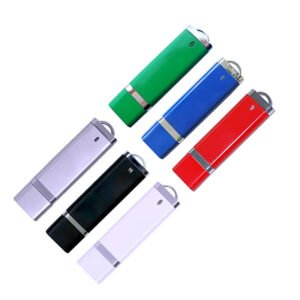
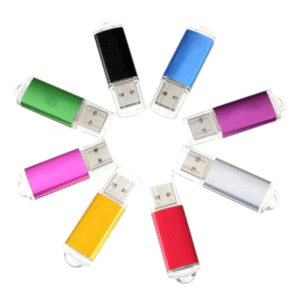
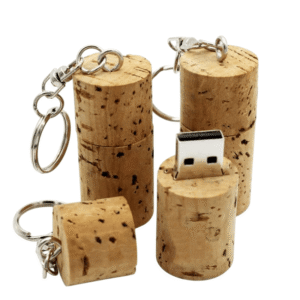
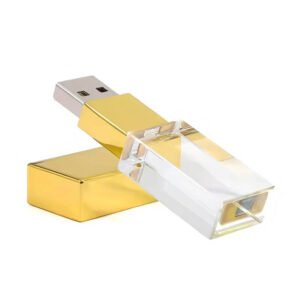
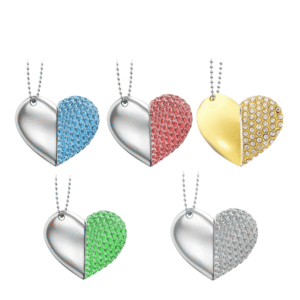
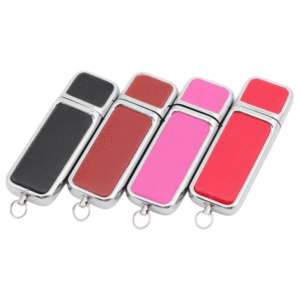
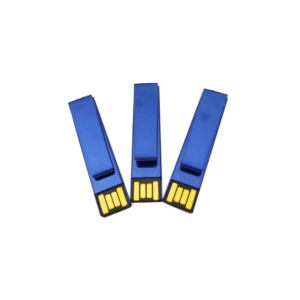
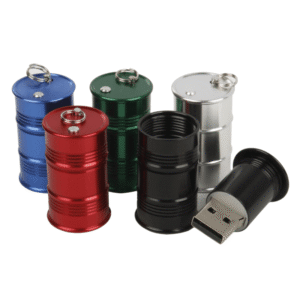
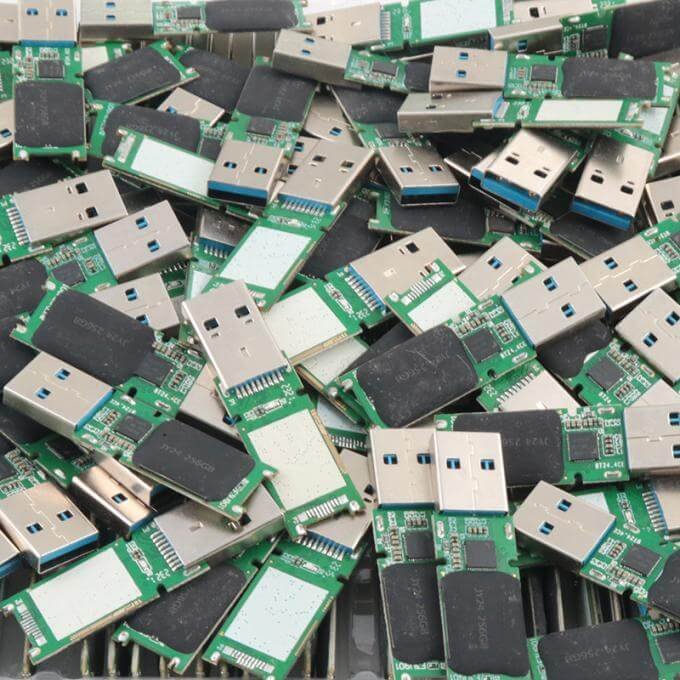
USB 2.0 flash drive
USB 2.0 flash drives are currently the most widely used style. Almost all USB flash drives can come with a USB 2.0 interface. Although USB 2.0 interfaces have slower transfer and read/write speeds compared to USB 3.0, their price is lower, which makes them the most cost-effective USB flash drives available.
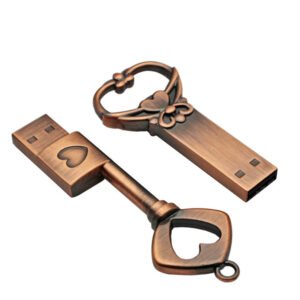
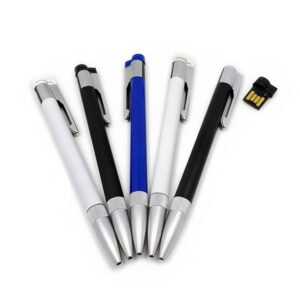
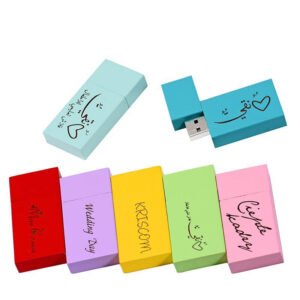
USB 2.0 flash drive styles
USB 2.0 remains the mainstream interface in the USB flash drive market, as it offers stable performance, wide compatibility and cost-effective storage solutions. In the customization and mass production of traditional USB flash drives, USB 2.0 continues to be the most demanded option. Unless otherwise specified, all our custom USB flash drives are manufactured with USB 2.0 as the default standard.
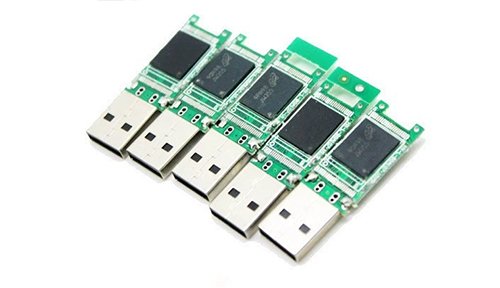
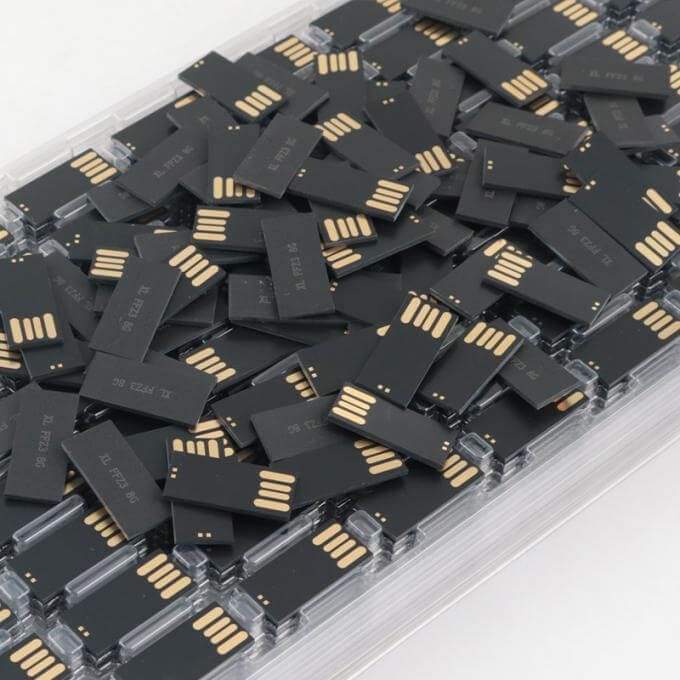
USB 2.0 flash drive chip
USB 2.0 remains the mainstream interface in the USB flash drive market, as it offers stable performance, wide compatibility and cost-effective storage solutions. In the customization and mass production of traditional USB flash drives, USB 2.0 continues to be the most demanded option. Unless otherwise specified, all our custom USB flash drives are manufactured with USB 2.0 as the default standard.


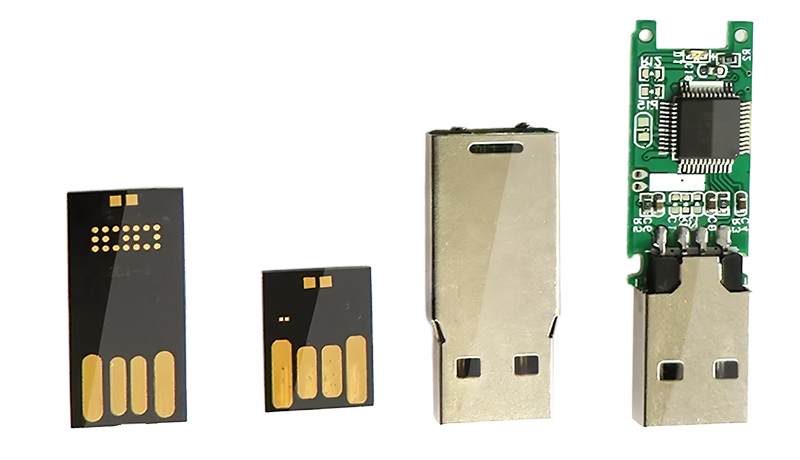
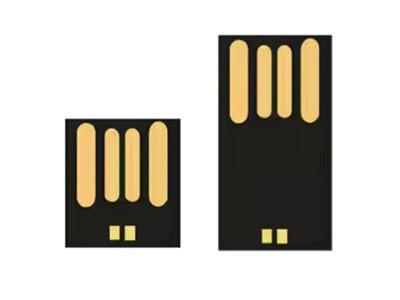
UDP USB 2.0 Chip
UDP FLASH chips come with a USB 2.0 interface, ensuring fast and efficient data transfer
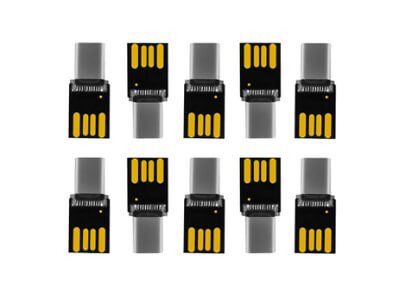
USB2.0 TYPE-C UDP Mini
is a compact and cost-effective host controller and flash memory solution, designed for USB Type-C devices
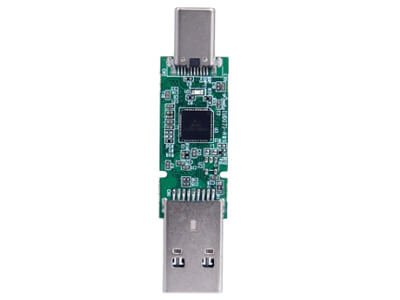
OTG chip with Type-C
is an advanced dual-function host controller solution, designed for versatile USB Type-C storage devices
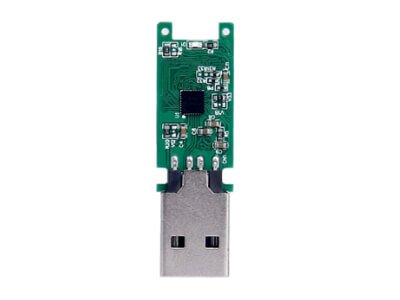
USB 2.0 Chips Type-A
The USB 2.0 PCBA is an advanced modular assembly that combines a high-speed USB 2.0 host controller
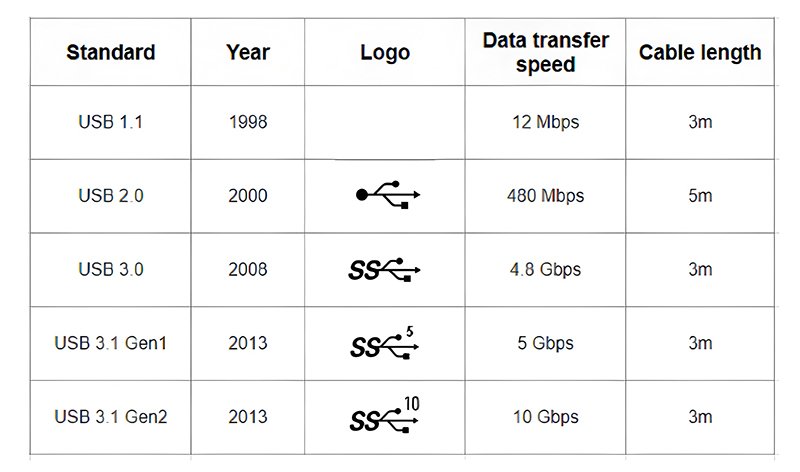
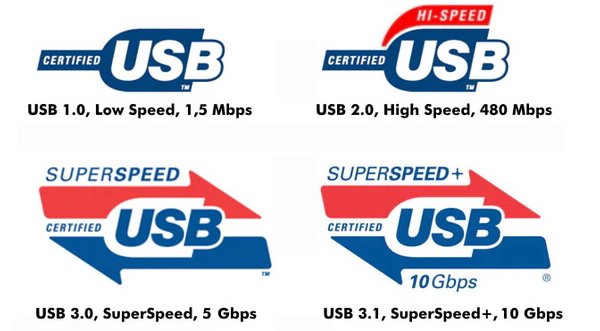
Different USB standards for Type-A connection
USB-A Standards
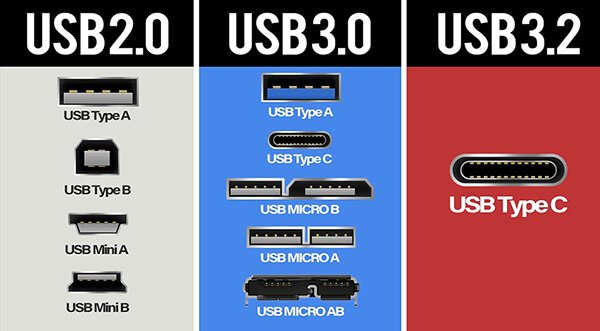
Different electronic devices come with different types of ports built in. Among the most widely used are USB-A, USB-B, and Type-C. In the proAV industry, USB-A is the dominant connection type and is built into almost all KVM extenders and USB extenders. The following table shows the characteristics of the different standards for USB-A connections.
USB 3.0 is more often seen with a Type-C connection or with a USB-A to Type-C cable. It may be the future trend, since it is more powerful in speed and capable of transmitting both video and USB data.
The main advantages of USB 2.0 flash drives lie in their low cost, high compatibility, and stability. They are best suited for scenarios where high transfer speed is not required, where cost-effectiveness is the priority, or where adaptation to older devices and volume customization is needed.

Lowest price
USB 2.0 technology is mature and its production processes are simple, so its manufacturing cost is much lower than that of USB 3.0/3.1 flash drives.
Strong compatibility
USB 2.0 is compatible with almost all devices that support USB interfaces, so there is no need to worry about the device interface not matching.
High stability
Its transmission protocol is simple and mature, which translates into greater stability in daily use (for example, when copying small files, booting the system, etc.).
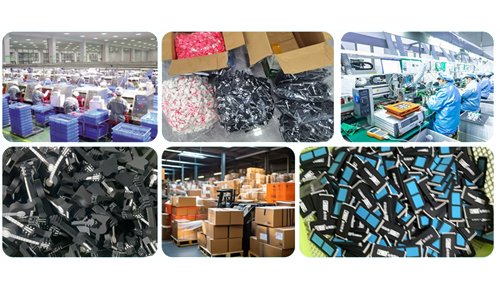
Wholesale customization
USB 2.0 flash drives are used for volume customization (such as gift USB flash drives, promotional giveaways, corporate promotional USB flash drives, etc.).
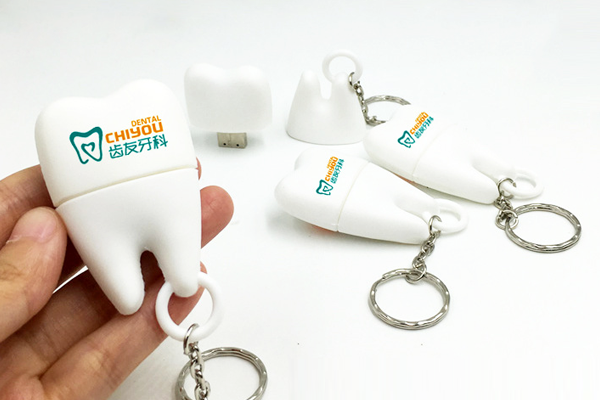
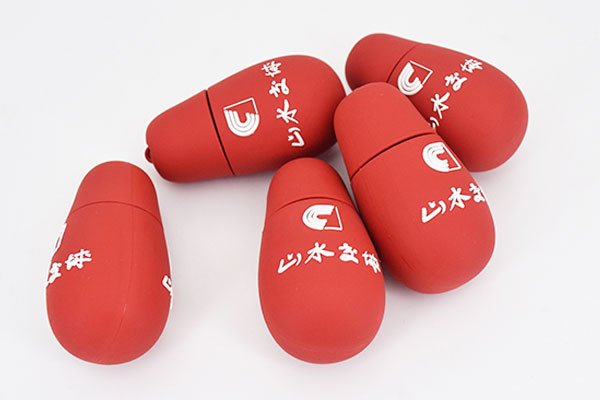
Customer cases of USB 2.0 flash drives

Tooth-shaped USB flash drive

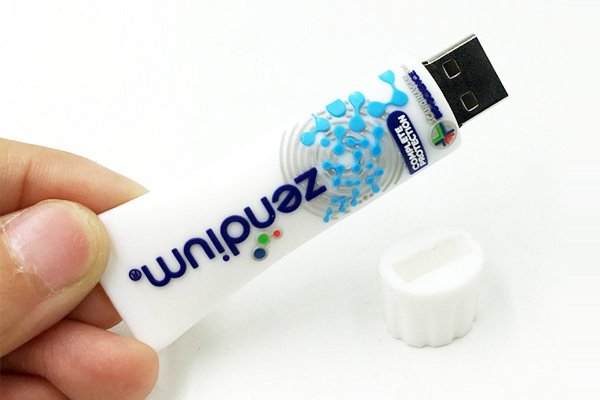
Toothpaste-shaped USB flash drive
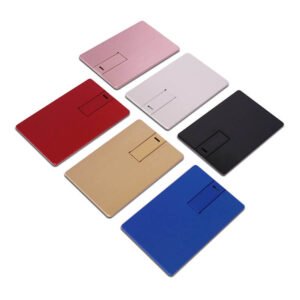
Ultra-thin card-style USB 3.0 flash drive
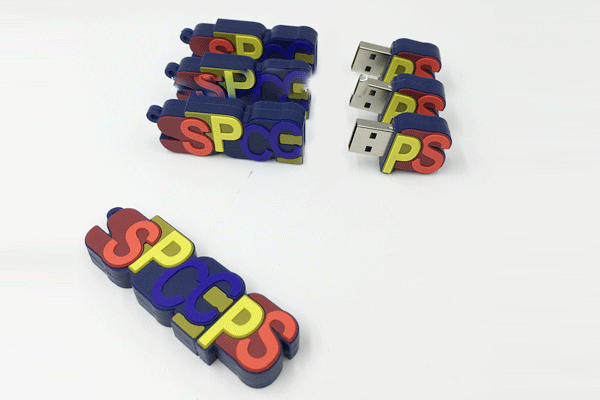
Letter-shaped molded PVC USB flash drive
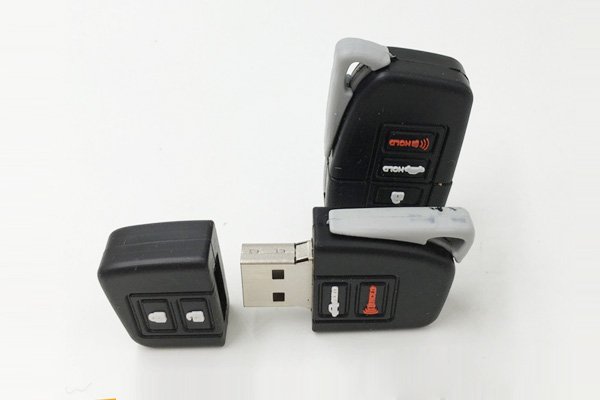
Car key-shaped PVC USB flash drive
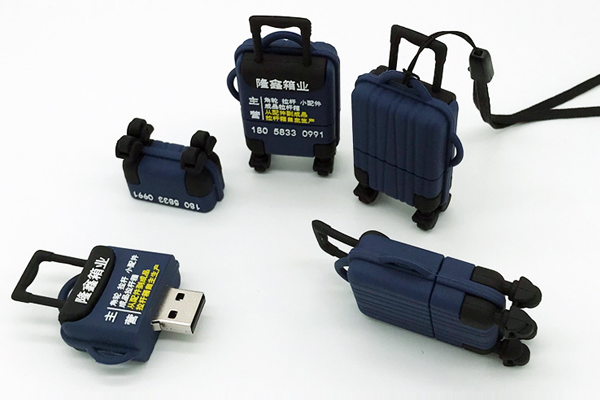
Suitcase-shaped USB flash drive
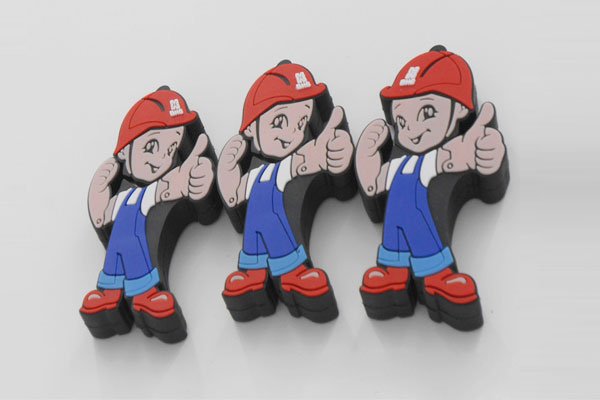
Cartoon worker-shaped USB flash drive
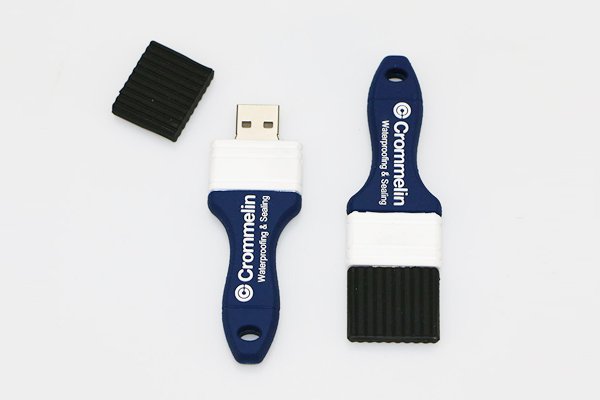
Brush-shaped USB flash drive
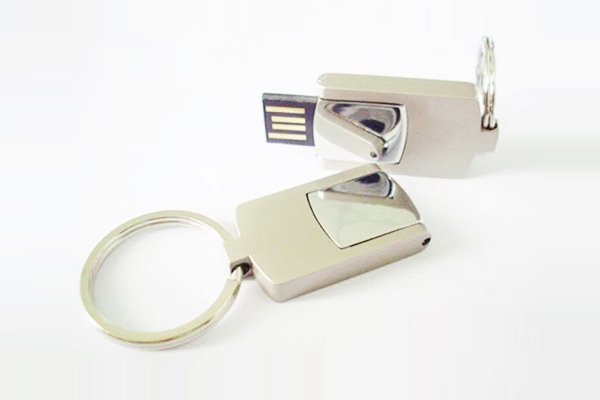
Flip metal USB flash drive
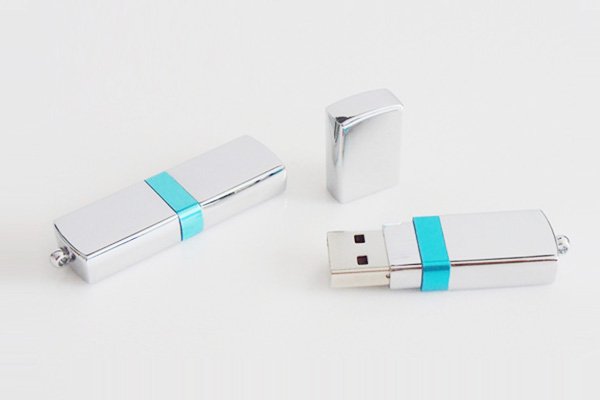
Plug-in metal USB flash drive
Frequently asked questions about USB 2.0 flash drives
1. Can I print a logo when customizing USB 2.0 flash drives? What printing methods are available?
Yes, logo customization is available. The most common methods include screen printing, full-color printing, laser engraving, doming and embossed logos. The method depends on the material of the drive, such as PVC rubber, metal or plastic.
2. What is the MOQ for USB 2.0 flash drives by volume? How long does delivery take?
The usual minimum order is 100 units. The standard lead time is about 7 to 12 business days, depending on the customization details. If a custom mold needs to be developed, the production time may be longer and must be confirmed case by case.
3. How to choose a reliable USB flash drive manufacturer?
Look for manufacturers that have their own factory, full production capabilities (such as SMT, assembly, and testing), can provide samples, and have years of export experience with good customer references. Also, make sure they offer formal contracts, quality guarantees, and after-sales service.
4. What capacities are available for USB 2.0 flash drives? Can they be preloaded with data?
Common capacities include 1GB, 2GB, 4GB, 8GB, 16GB and 32GB. Preloading of files such as brochures, videos or password-protected documents is supported. Autorun functions may be available depending on the operating system.
5. What should you keep in mind when customizing USB 2.0 flash drives?
Confirm the chip brand (for example, Samsung, Toshiba), the interface type, color options, the logo file format, and whether you need a sample before mass production. Also consider warranty terms and certifications such as CE, RoHS, or FCC, if required.