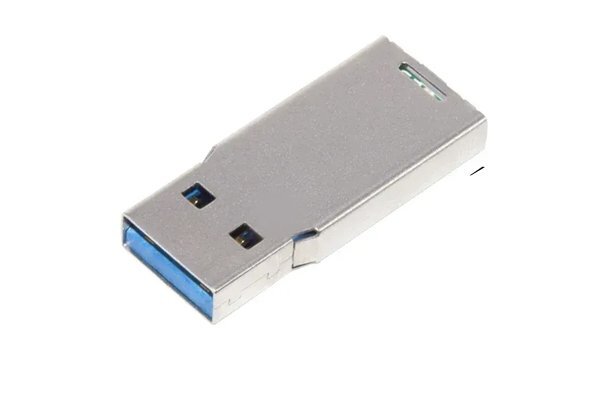
USB 3.0 flash drive
A USB 3.0 flash drive is a storage device designed with the standard USB 3.0 interface. Compared with its predecessor, USB 2.0, it offers remarkably higher data transfer and read/write speeds, making it one of the most widely used high-speed storage solutions today. As for the connector color: it is usually blue (some products come in black or other colors but carry the “SS” mark, which stands for SuperSpeed), which distinguishes it from the black or white connectors of USB 2.0 devices.
USB 3.0 flash drive styles
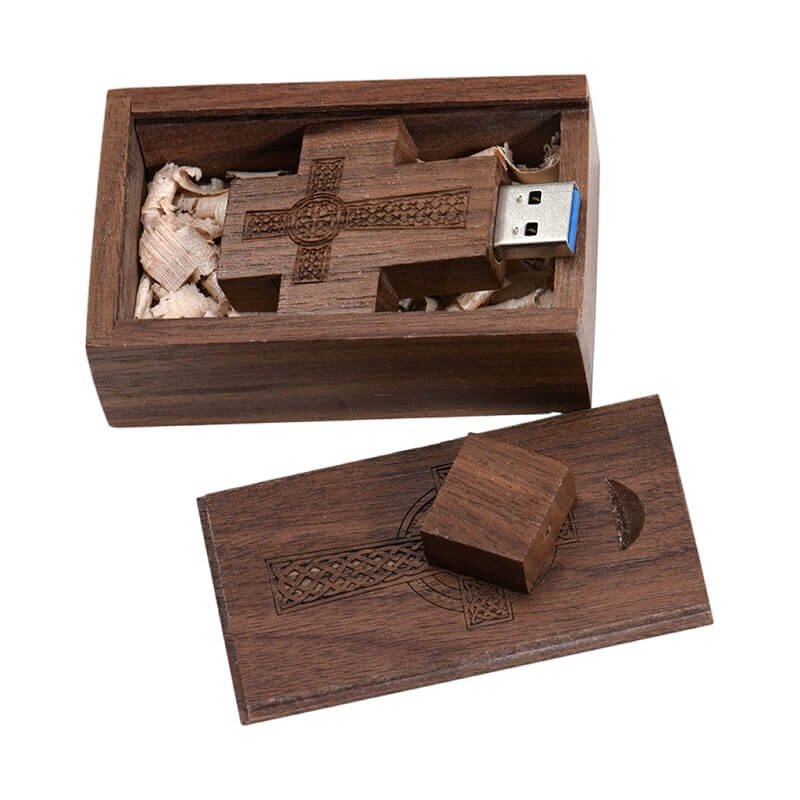
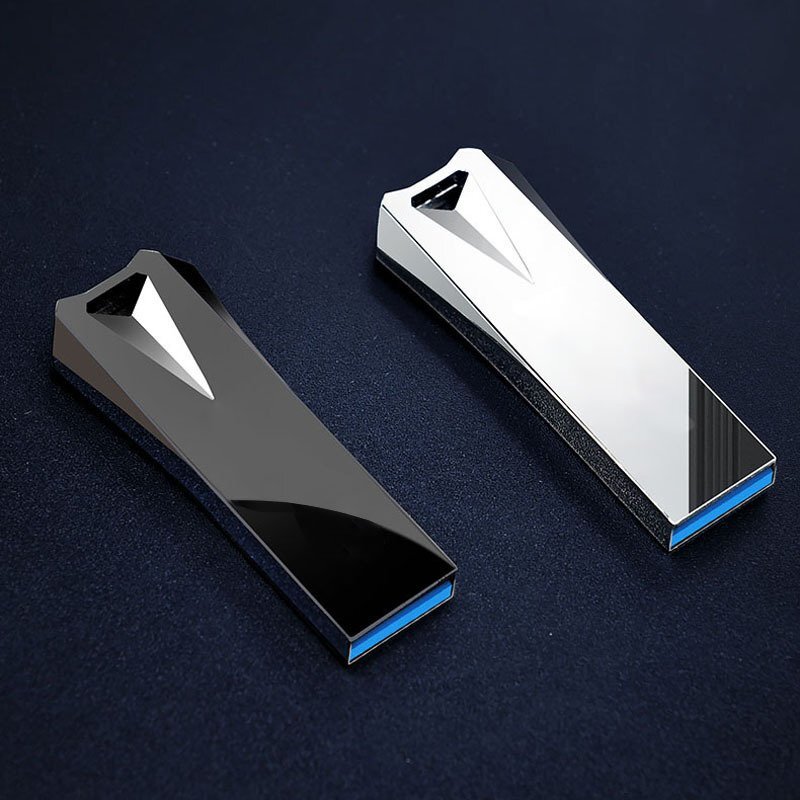
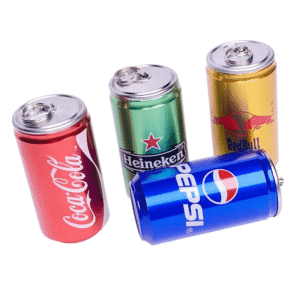
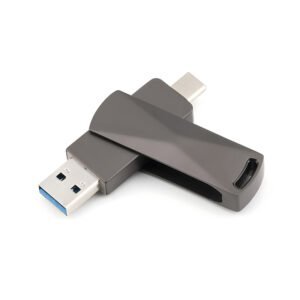
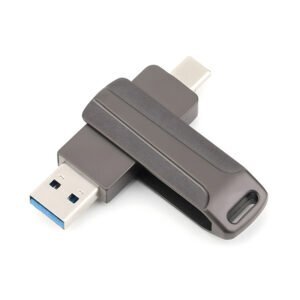
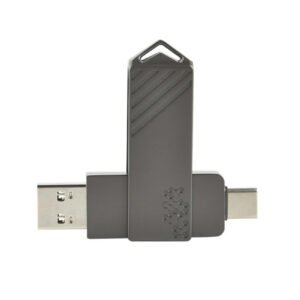
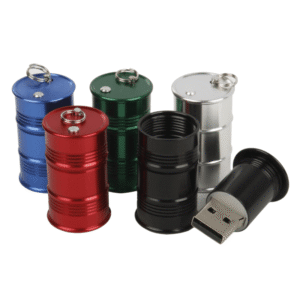
YOUSAN is a manufacturer specialized in USB 3.0 flash drives. We can currently equip most of the most commonly used USB flash drive models with a USB 3.0 interface. USB 3.0 flash drives usually handle larger storage capacities, from 64GB up to a maximum of 1TB. There is a wide variety of USB 3.0 flash drive styles available. In addition to the models already shown, most other USB 2.0 flash drive models can also be upgraded to include a USB 3.0 interface.
Different USB standards for Type-A connection
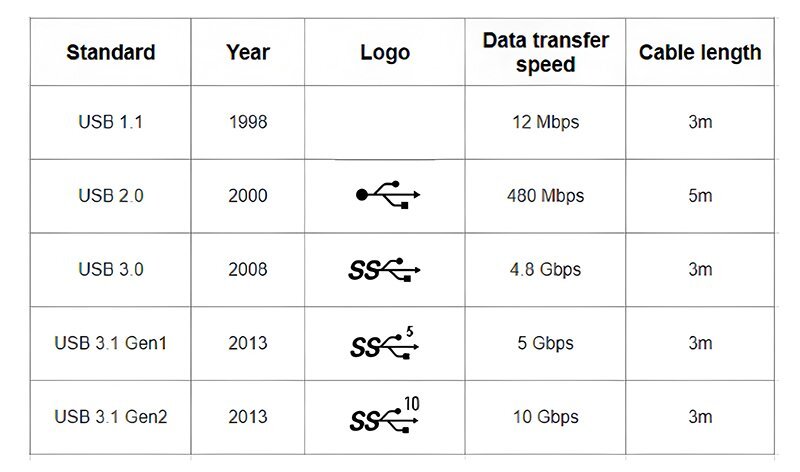
USB-A Standards
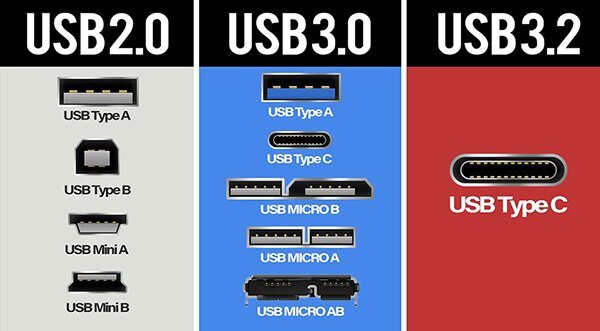
Different electronic devices come with different types of ports built in. Among the most widely used are USB-A, USB-B, and Type-C. In the proAV industry, USB-A is the dominant connection type and is built into almost all KVM extenders and USB extenders. The following table shows the characteristics of the different standards for USB-A connections.
USB 3.0 is more often seen with a Type-C connection or with a USB-A to Type-C cable. It may be the future trend, since it is more powerful in speed and capable of transmitting both video and USB data.
USB 3.0 memory chip
As a professional USB flash drive factory, we specialize in the wholesale, customization and production of USB 3.0 flash drives. Our high-speed USB 3.0 USB flash drives, pendrives and memory sticks offer fast data transfer and reliable performance. Available in various capacities, designs and logos, they are ideal for branding, promotions or volume business needs.


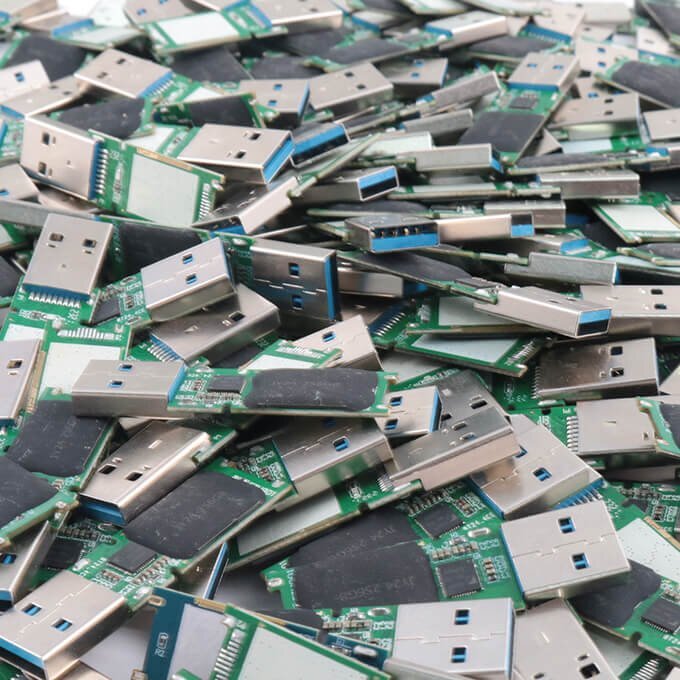
PCBA USB3.0 Chips
high-quality USB 3.0 PCBA chips with fast data transfer speeds
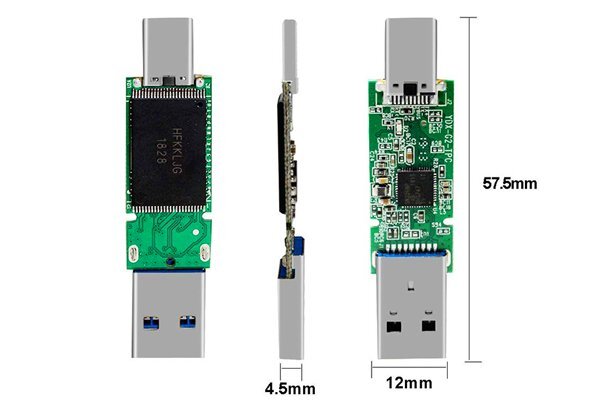
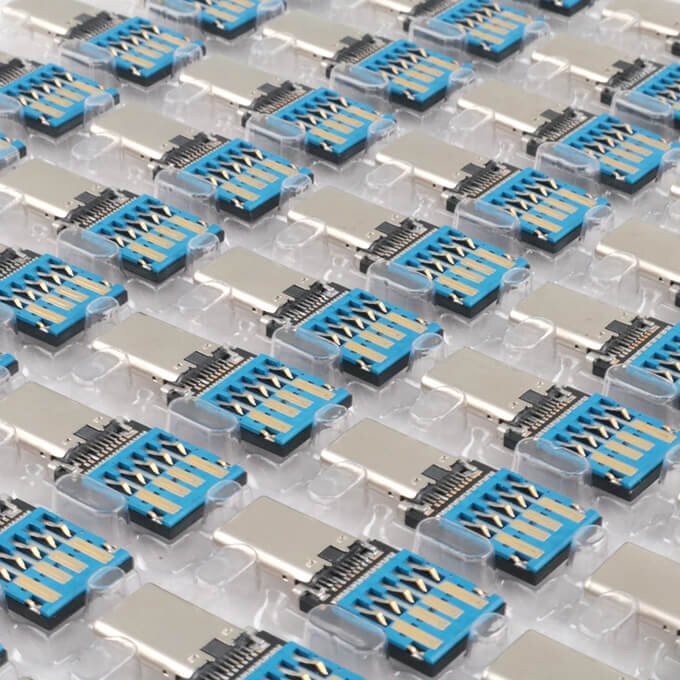
Type-c USB3.0 Chips
USB 3.0 Type-C chips for OTG and USB C flash drives.
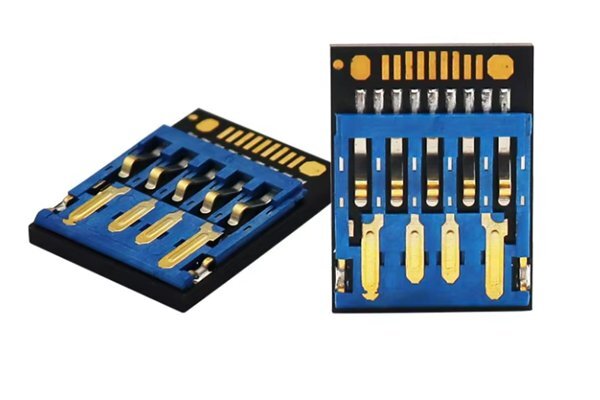
Short UDP 3.0
The short UDP is a waterproof chip used in ultra-thin USB flash drives.
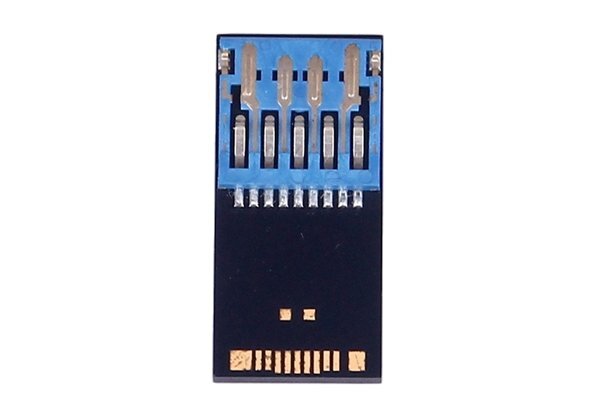
Long UDP 3.0
The long UDP 3.0 is commonly used in ultra-slim USB flash drive designs.
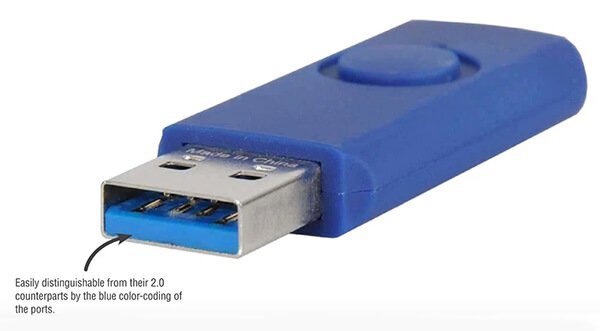
The main advantages of USB flash drives with the high-speed USB 3.0 interface lie in speed, efficiency, and compatibility. They can significantly improve the user experience, especially in scenarios involving large file transfers and high-frequency data interaction. USB 3.0 has become the standard interface of the most widely used USB flash drives. Later versions such as USB 3.1 and 3.2 have further improved the data transfer rate on this basis, but USB 3.0 remains a highly cost-effective option.

Blazing-fast transfer speeds
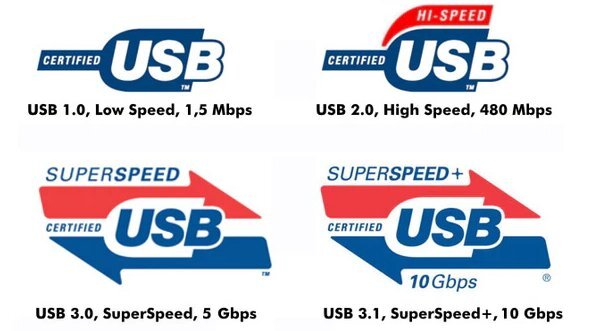
Fast transfer speed is the core advantage of USB 3.0. Its maximum theoretical transfer rate reaches 5Gbps (approximately 625MB/s), while that of USB 2.0 is only 480Mbps (about 60MB/s).
Full-duplex mode
USB 3.0 supports full-duplex mode, allowing data to be transmitted and received at the same time, further increasing the efficiency of data interaction. It is especially suitable for scenarios that require frequent two-way data transfer.
USB 2.0/1.1 compatibility
The physical shape of the USB 3.0 interface is identical to that of USB 2.0 (Type-A interface), which allows USB 3.0 flash drives to be plugged directly into USB 2.0 ports with full compatibility.
Ideal for storing large files
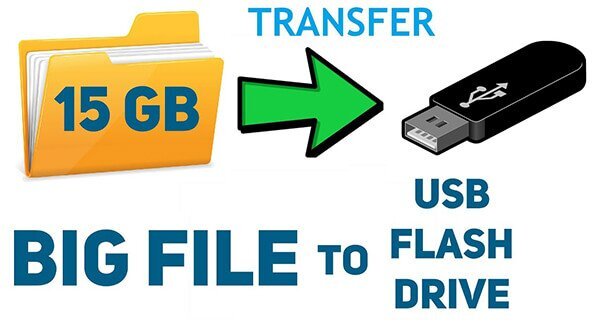
For users who frequently move large files (such as photographers, video editors, and IT engineers), USB 3.0 flash drives can greatly improve work efficiency.
USB 3.0 flash drive customer cases

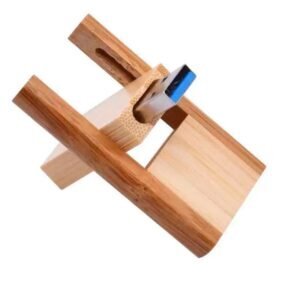
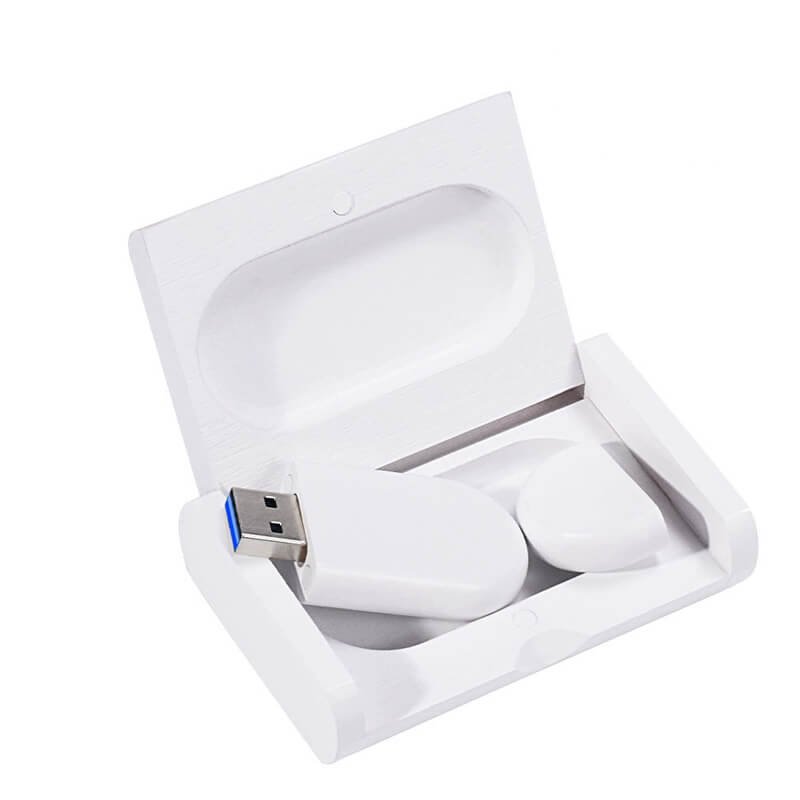
White wooden USB 3.0 flash drive

Cross-shaped wooden USB 3.0 flash drive
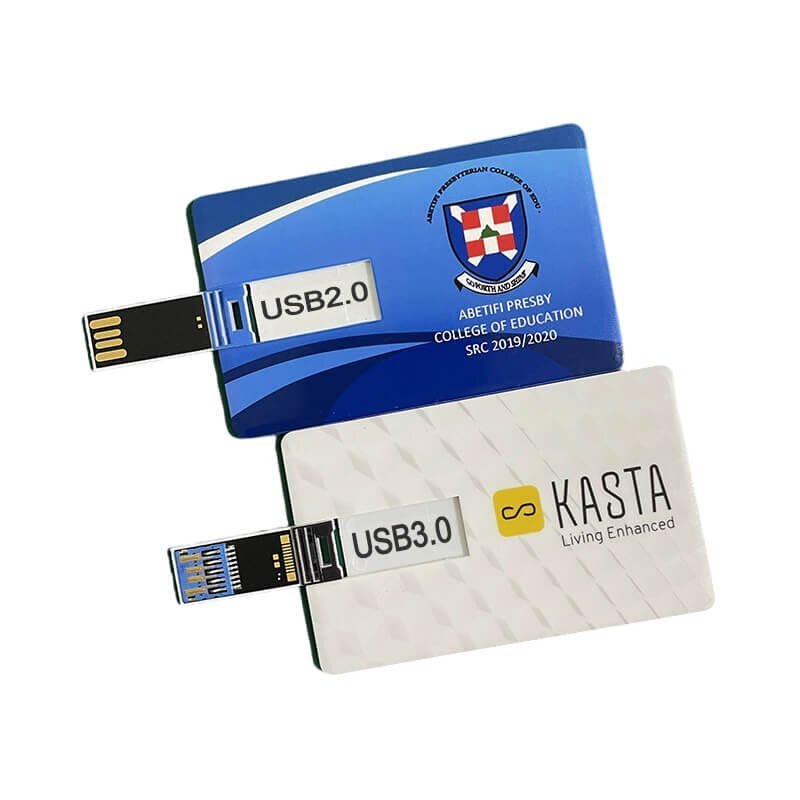
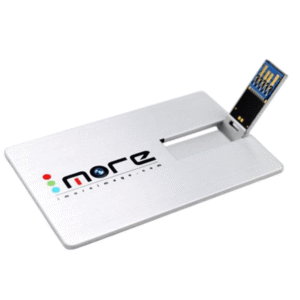
Ultra-thin card-style USB 3.0 flash drive
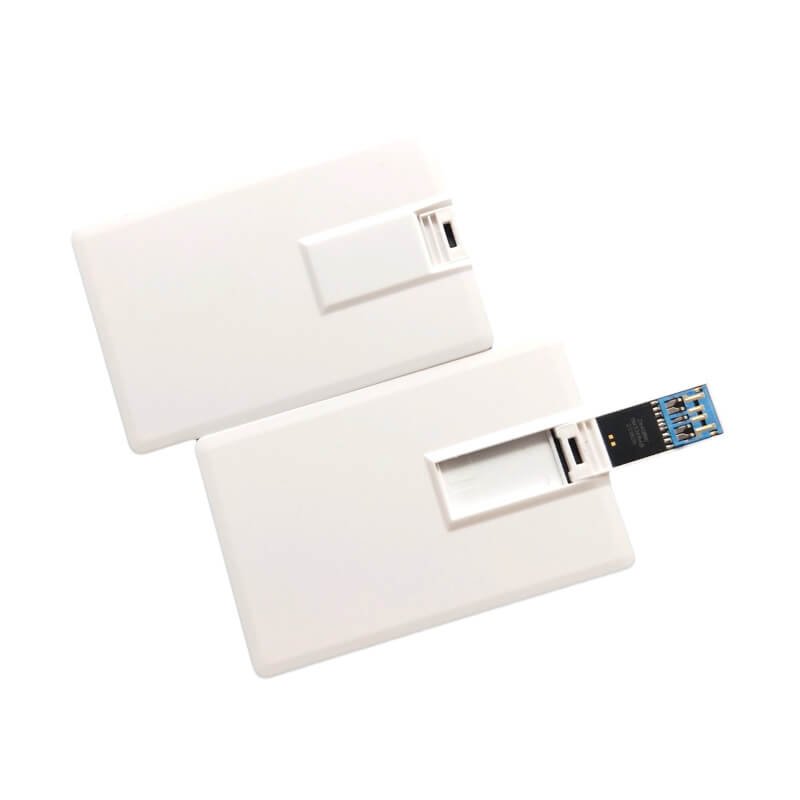
Card-style USB 3.0 flash drive
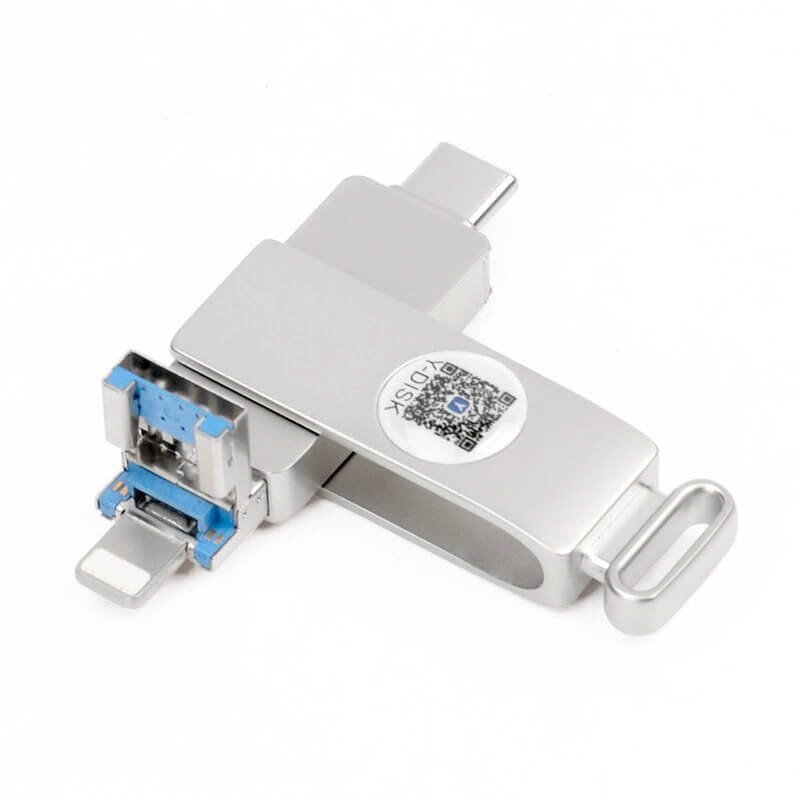
swiver metal USB3.0 OTG disk
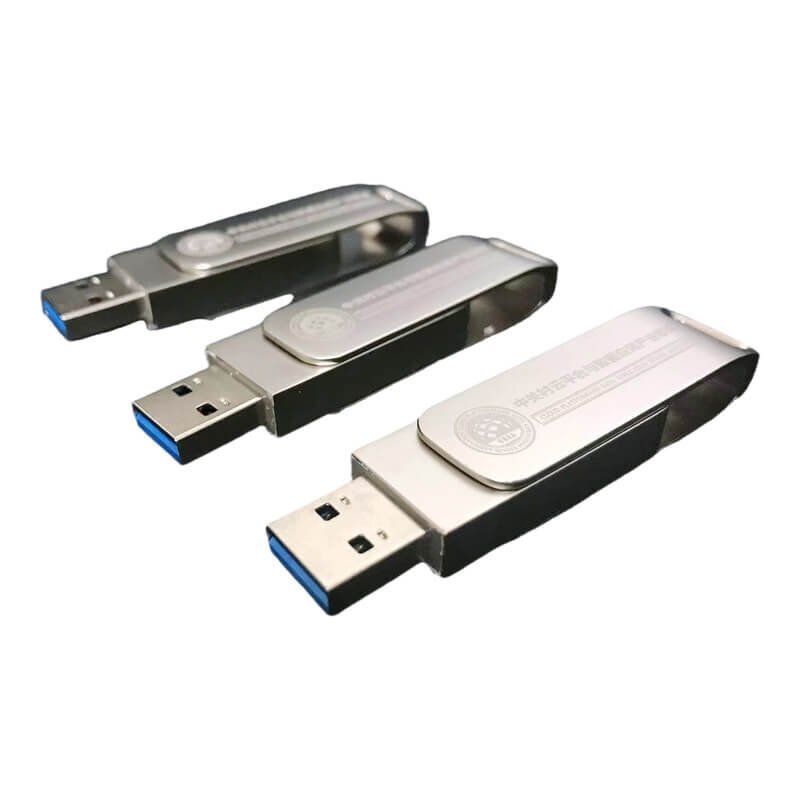
Silver metal USB 3.0 Type-C flash drive
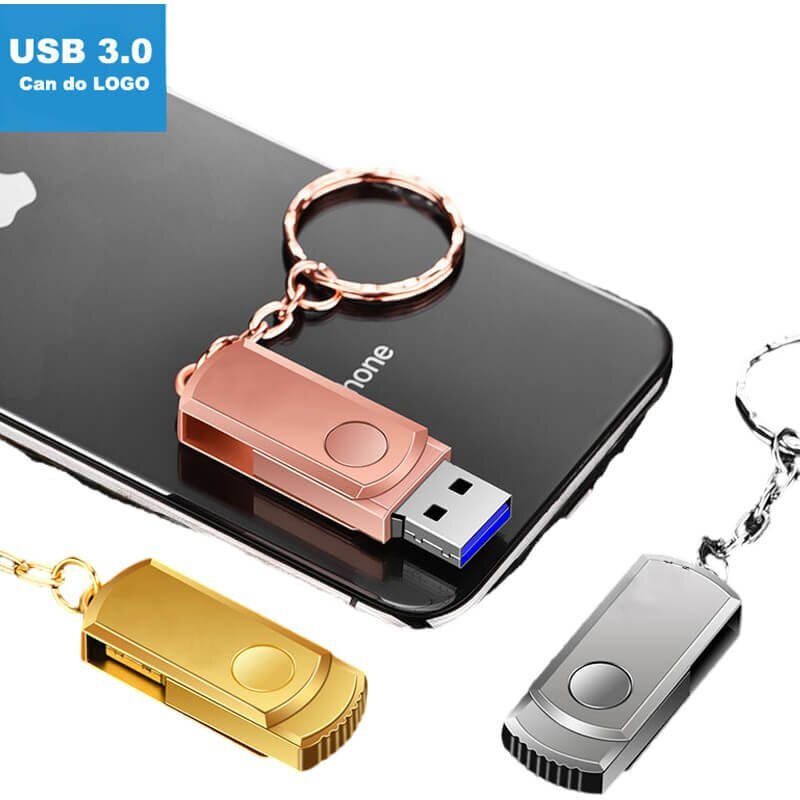
Mini swivel USB 3.0 flash drive
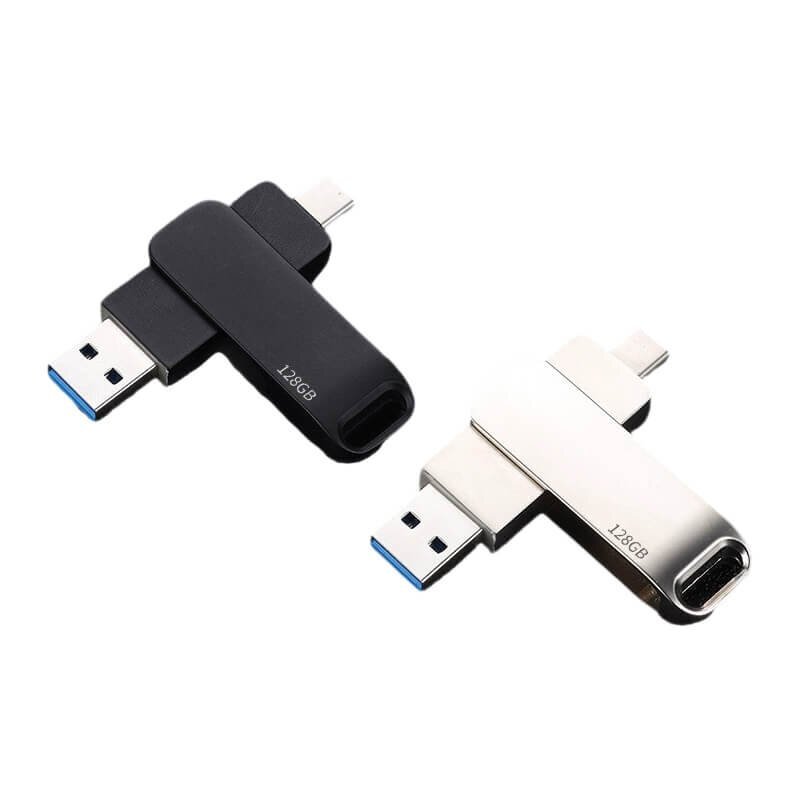
Metal USB 3.0 OTG flash drive
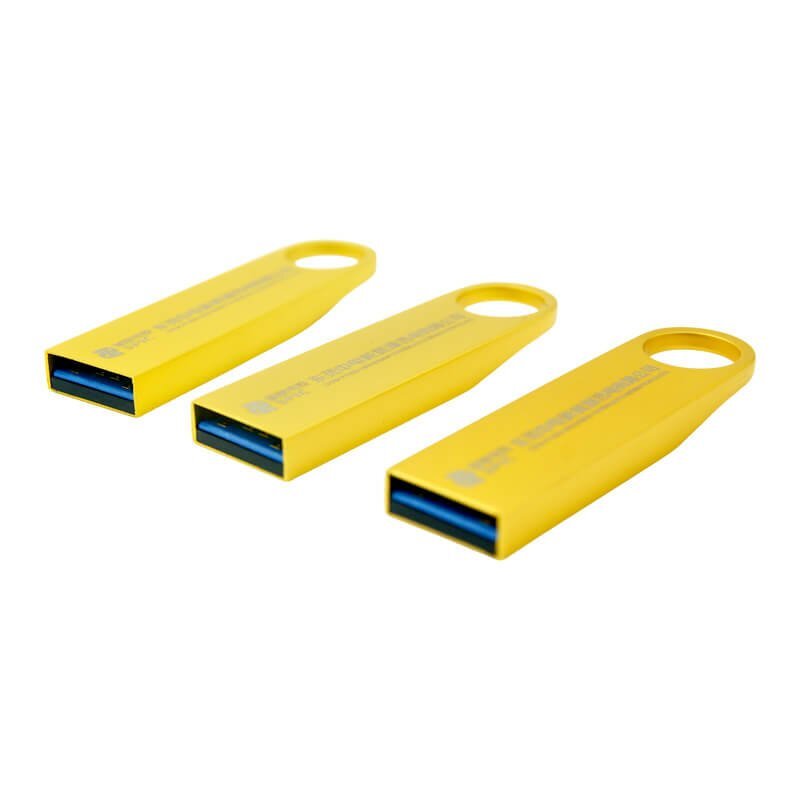
Golden metal USB 3.0 flash drive
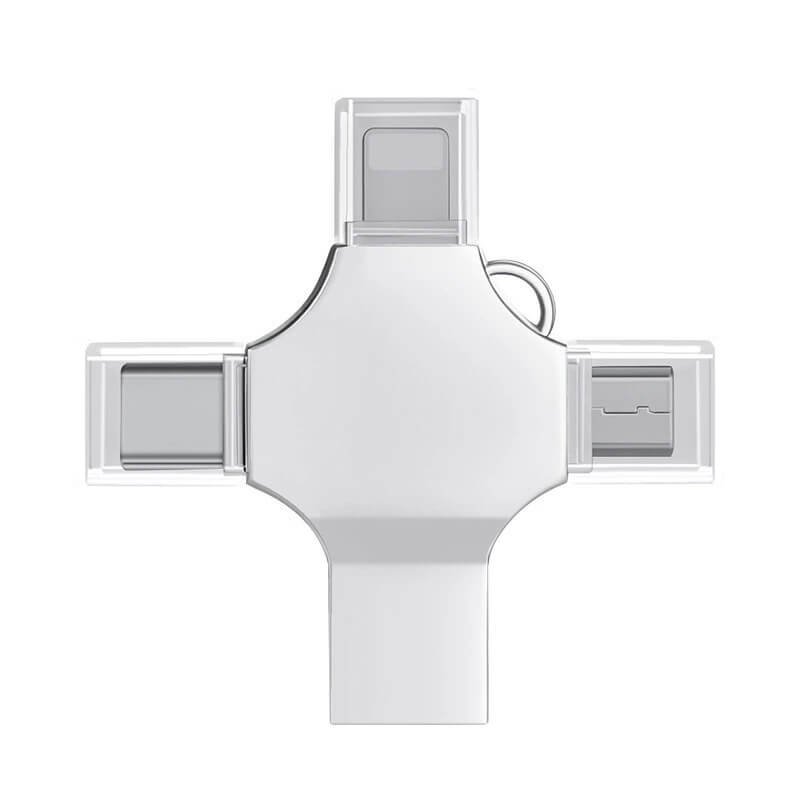
4-in-1 cross-shaped metal USB flash drive
FAQs about USB 3.0 flash drives
1. Why is a custom USB 3.0 flash drive sometimes not recognized by the computer?
If the controller chip and the flash memory are not compatible, or if the PCB design has flaws, the USB 3.0 flash drive may not be detected on certain ports. It is important to perform thorough compatibility testing on multiple systems during the production process.
2. Why are read and write speeds uneven after producing USB 3.0 flash drives in volume?
Although USB 3.0 theoretically supports over 100 MB/s, using low-quality or mixed-batch chips in production often leads to performance issues. To ensure stable results, original flash memory and certified controller chips must always be used.
3. How to avoid complaints about fake capacity on custom USB 3.0 flash drives?
Some unreliable suppliers use expanded or refurbished chips to simulate larger capacities. A legitimate USB 3.0 flash drive manufacturer must write the real capacity with mass-production tools and activate verification protocols to guarantee authenticity.
4. Why does the logo on a custom USB 3.0 flash drive fade or scratch easily?
This usually happens when low-quality ink or unsuitable printing techniques are used. For custom USB 3.0 flash drives, we recommend using screen printing or UV printing with durable, eco-friendly ink, and testing the durability of the logo before mass production.
5. Why is it difficult to assemble the housing of a custom USB 3.0 flash drive?
If the custom housing design does not precisely match the dimensions of the USB 3.0 PCB, assembly problems may arise. It is essential to prototype the mold with 3D drawings and original boards to ensure an exact fit before full production.
6. Why is a USB 3.0 flash drive not recognized by Mac or car systems?
The lack of proper formatting or limited driver compatibility can cause USB 3.0 flash drives not to be recognized on macOS, Linux, or car multimedia systems. Drives should be factory-formatted to exFAT and tested on different platforms according to user needs.